Real-time 3D and motion for physical products: scroll stories, exploded views and configurators on your own site, plus launch stills and animation, all from one model. Below is an instrument designed in-house by our founder. Scroll to take it apart.
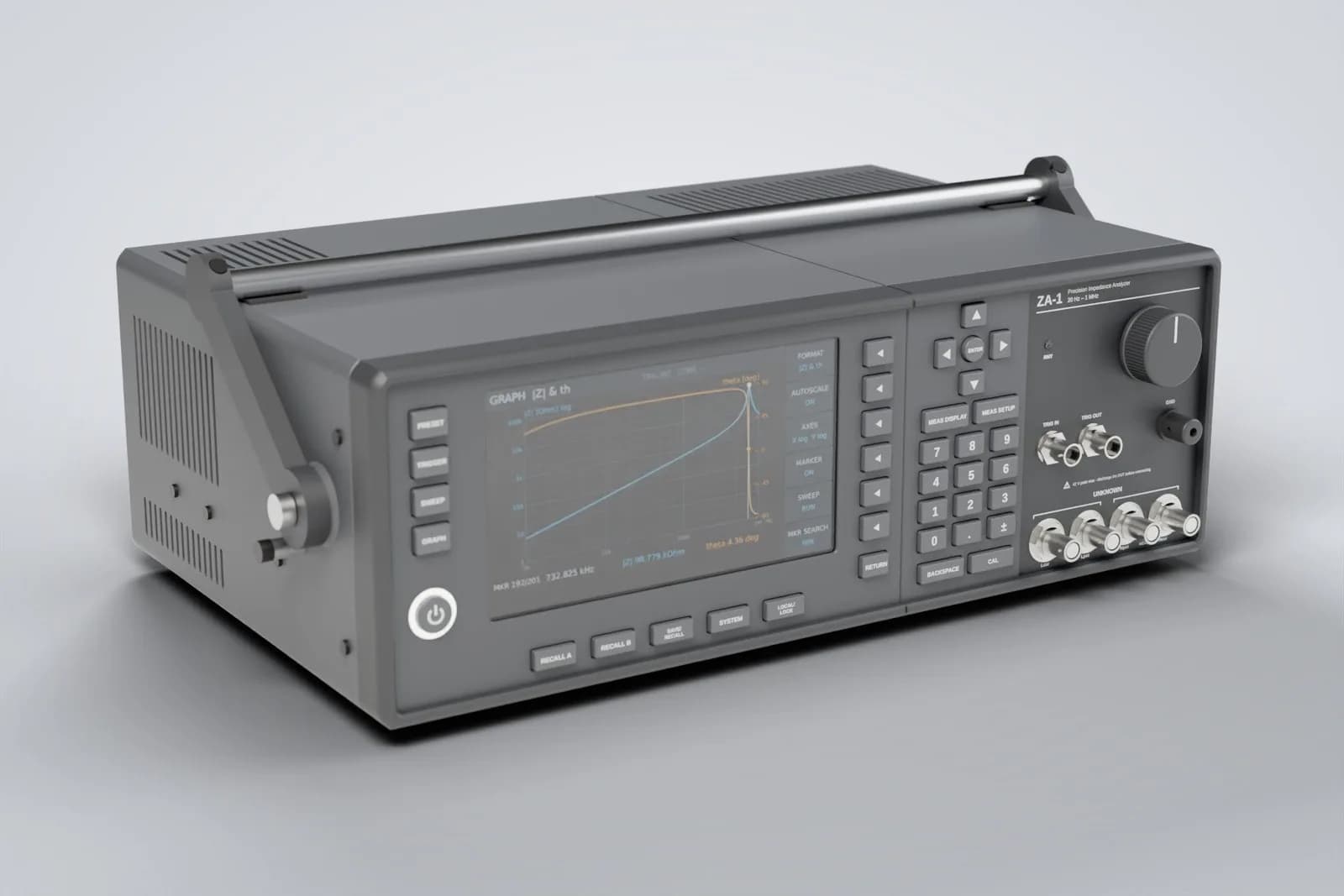
The ZA-1, taken apart as you scroll
1 · The product
ZA-1 Precision Impedance Analyzer
Designed in-house by our founder: 20 Hz to 1 MHz, four-terminal Kelvin inputs, drawn live from its CAD model.
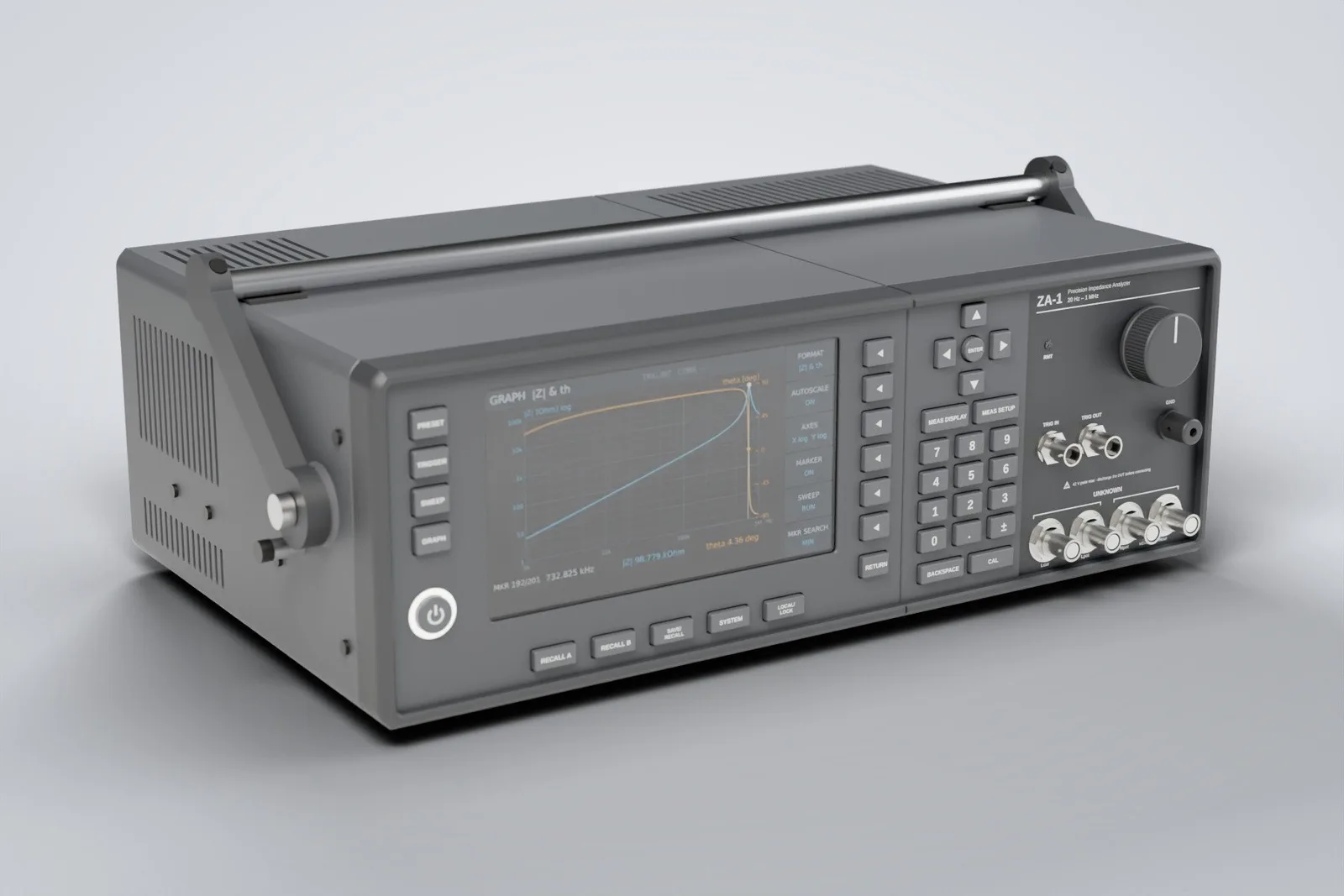
Explore it
Drag to turn it, pull the slider to explode it, switch its screen or jump straight to a part. The same viewer, with your product in it, is what you'd get.
Drag to turn it round
Screen
Go to a part
Motion design
Once the model exists, the rest follows: a turntable for the product page, an exploded launch sequence, a finish configurator and studio stills.
A slow, endless spin for product pages, marketplaces and socials. Real-time here; also delivered as a video loop.
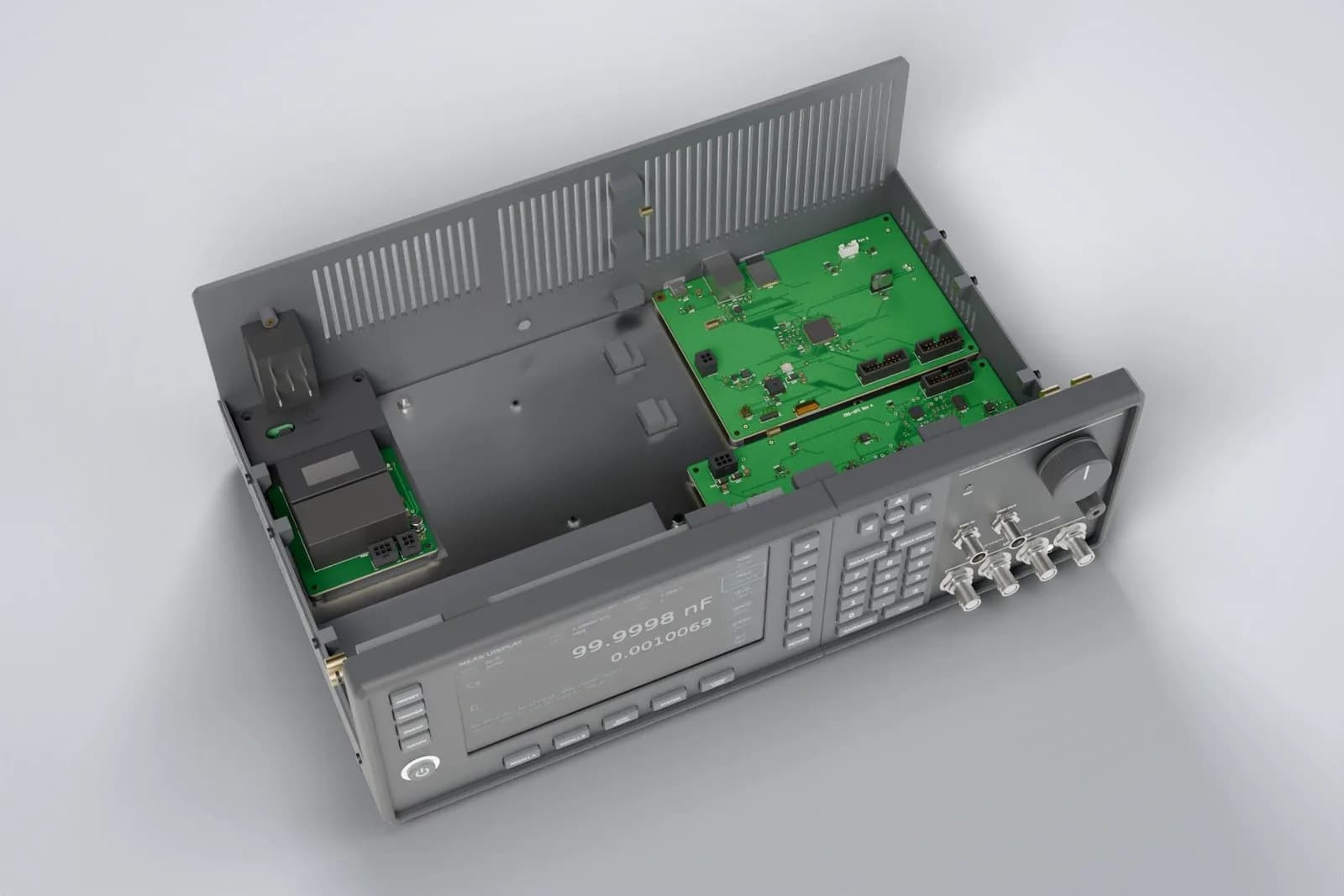
What you get
Pick what fits your launch. Your quote lists exactly which of these are included.
Web 3D viewer
Your product on your own site, drag-to-turn with hotspots and an explode control. Loads fast and works on phones.
Scroll story
A pinned, scroll-driven sequence that walks visitors through the product, like the teardown above.
Configurator
Finishes, colours and options that swap live on the model, so buyers see exactly what they'll get.
Launch stills
Studio renders for the shop, the datasheet and the press kit, rendered from the same model.
Launch animation
Turntables and exploded reveals for launch pages and socials, exported as video loops as well as live 3D.
Built to stay fast
Compressed models, lazy loading, rendering paused off-screen, a still image fallback and reduced-motion support.
Do I need a CAD file?
CAD files are built for manufacturing, not for browsers. We convert them, keep the parts that tell the story, and compress the result until it loads like a photo.
Formats that work well
- STEP
- IGES
- SolidWorks
- Fusion
- KiCad
- STL
What happened to this instrument's CAD
- STEP assembly from CAD64 MB
- Grouped into moving parts, hidden hardware dropped13 MB
- Compressed web modelabout 1 MB
Twelve moving parts, real materials and the instrument's own screens, at roughly a sixtieth of the original size.
No CAD? No problem.
We model the product from drawings, measurements and photos. Tell us which details matter and we'll get those right first.
- Drawings or a datasheet with dimensions
- A few photos from each side
- The product itself, if you can post or lend one
Process
The same four steps as every project, with previews you can click every week.
- Two minutes
Step 1: Tell us what you need
Tell us about the product and where the 3D will live: product page, launch, configurator or all three. Send CAD if you have it.
- Free, no obligation
Step 2: Get a fixed quote
A written scope covering the model, the interactions and the stills or loops, with a fixed price and dates.
- Weekly previews
Step 3: We build, you review weekly
First the optimised model in a private viewer, then materials and lighting, then the story, controls and stills.
- Launch week
Step 4: Launch and look after
We put it live on your site, check it on real phones, and hand over the model, stills and source files.
Your quote
Every 3D project gets its own written quote: the model, the interactions and the stills or loops, one fixed price and a dated plan. No figures until we know what you need.
The scope
What we'll build, page by page or screen by screen, and what's out of scope, in plain words.
A fixed price
One price for the agreed scope. It only changes if the scope does, and only with your OK.
A dated timeline
When the first preview arrives, when each part lands and when you go live.
What you'll own
The code, the design and every account, in your name from day one.
Running costs, itemised
Hosting, email and any other services listed one by one, paid to each provider at cost.
FAQ
No, but it helps. STEP, IGES, SolidWorks, Fusion, KiCad board exports or STL are ideal: we convert them and optimise them for the web. Without CAD, we model the product from drawings, measurements and photos.
Also from the studio
Get a quote
Send us a CAD file, drawings or a few photos and tell us where it will be shown. We'll reply with a written scope, a fixed price and a date.